The cost is invisible until the second edit
Annotate a screenshot, save it, ship it. Nothing about that feels expensive. The bill arrives later — when the button moves in the next release, when a reviewer says step 3 should come before step 2, when you realise the arrow points at the wrong row.
With flattened markup there is no partial fix. The arrow is now made of the same pixels as the screenshot underneath it. You recapture, re-annotate from scratch, and try to remember where everything was. For a nine-step walkthrough, inserting one step in the middle means renumbering eight markers by hand.
The tell is simple: if you dread updating a document because of its screenshots, your tool is flattening them.
What "editable" has to mean
It is not enough to keep an undo stack for the current session. Undo dies when you close the window. The property you need is that the *saved* capture is still a document:
- Every arrow, label, shape, step marker and blur region is an object with a position, a style and a z-order.
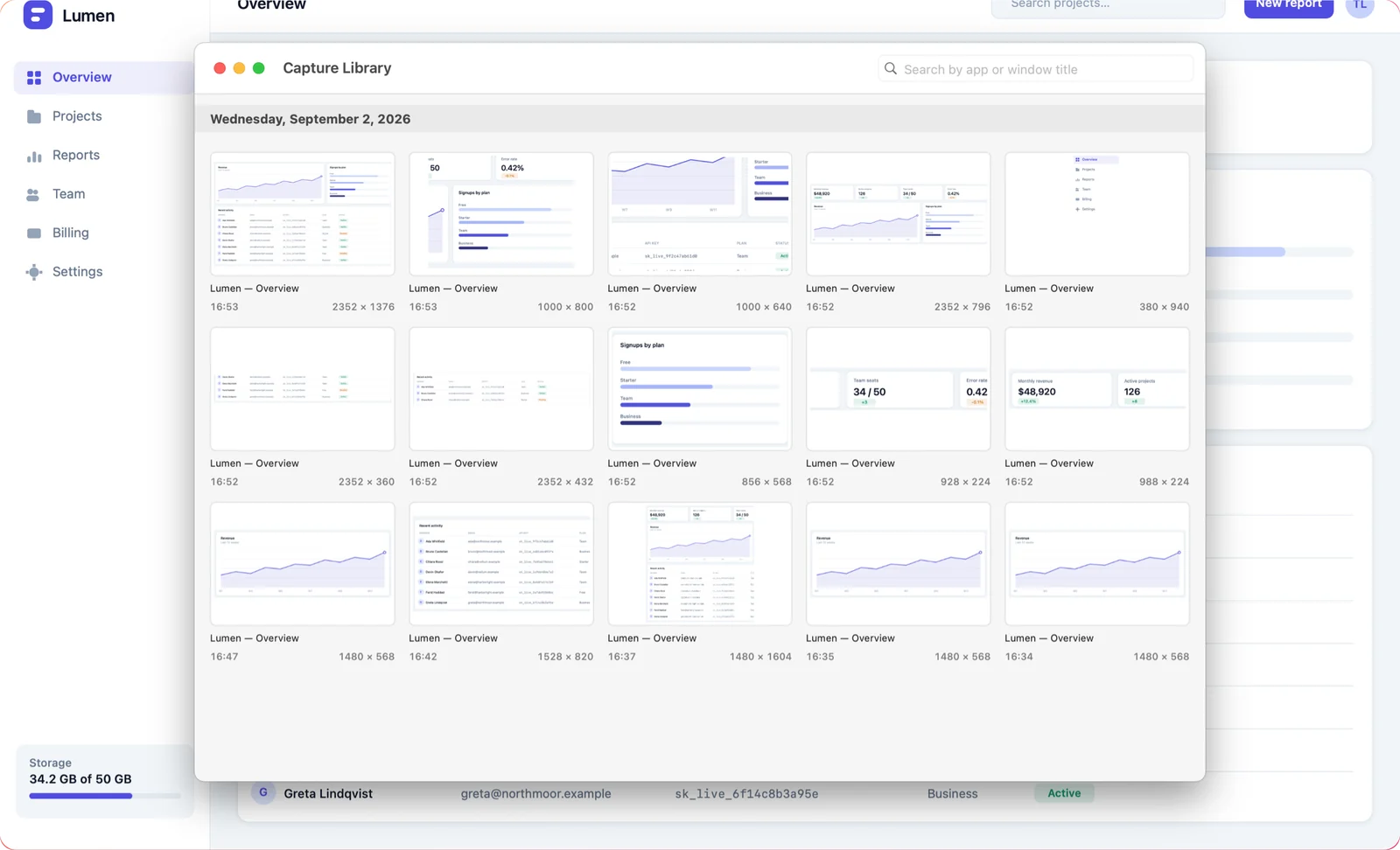
- Reopening a capture from last month gives those objects back, not a flattened picture of them.
- Crop, rotate and flip are transforms on the canvas, not destructive edits — an over-tight crop is recoverable.
- Export is a separate act that produces a flattened PNG for other people. The document stays a document.
Where the redaction subtlety lives
There is an obvious objection: if a blur region stays editable, can someone move it aside and read what was underneath?
Not from what you send them. The editable version lives in the app's own library on your Mac; what leaves is an exported, flattened image with nothing underneath the black box. This is the same distinction that makes redacted PDFs dangerous when people share the working file instead of the export — the rule is *export before you send*, and it holds regardless of tool.
More on getting that right in how to blur sensitive information in a screenshot.
Auto-numbering is the same argument, smaller
Step markers that renumber themselves when you insert one in the middle sound like a nicety. They are the same principle applied to a single feature: the sequence is data, not a picture of a sequence. Once it is data, inserting a step is one action instead of eight corrections.
Nearly every quality-of-life feature in a markup tool turns out to be a restatement of this: keep the meaning, not just the appearance, and edits stay cheap.